AI-written documentation
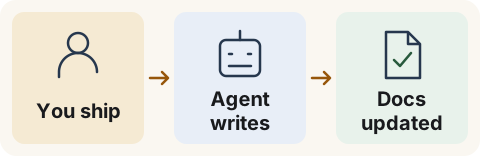
Ship the change. Update the docs.
Turn a product change or support answer into updated instructions while the details are fresh.
 Bring your agent — Connect Claude or ChatGPT by sign-in, or use an agent that can call the API.
 Use fresh context — Ask the agent working on your product to update its instructions too.
 Choose your workflow — Review edits in chat, or write Markdown in your editor and push it.
Good to know: Sites are public and writes affect live content. Review before authorizing a write; there is no draft stage. Claude and ChatGPT connections require an invitation.